Plugins
Additional features and tools to enhance your IvoryOS experience.
Showing 8 of 8 plugins.
Ranked by compatibility against your current bench.
 Agnostic
Platform Insight
Platform Insight for IvoryOS: visualize platform action and workflow execution status Dashboard UI: A sleek Bootstrap & Plotly-powered dashboard. Workflow Analytics: Track workflow success rates and frequency. Action Metrics: Visualize the most executed steps and their average execution time.
 v2 · Desktop app
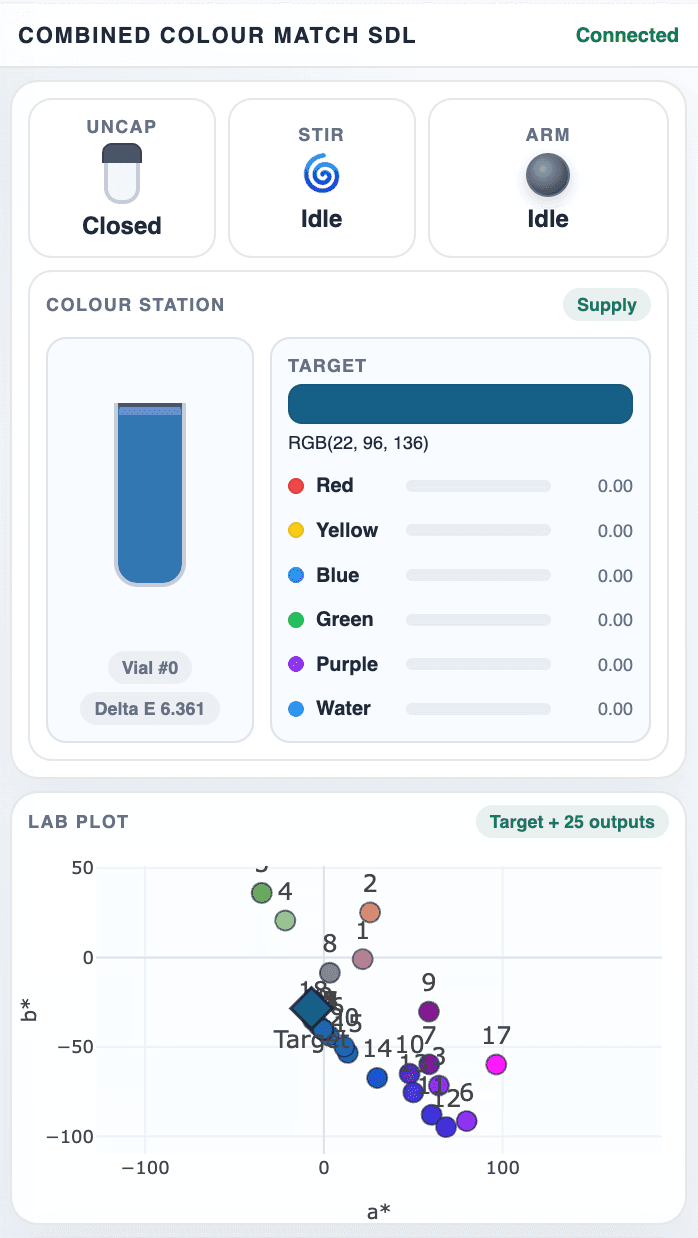
Color Matcher Visualization Plugin
This is a animated visualization of color matching education platform, simulation sample transportation and color mixing.
Install from the IvoryOS desktop app
Color Matcher Visualization Plugin
This is a animated visualization of color matching education platform, simulation sample transportation and color mixing.
Not compatible with your current build
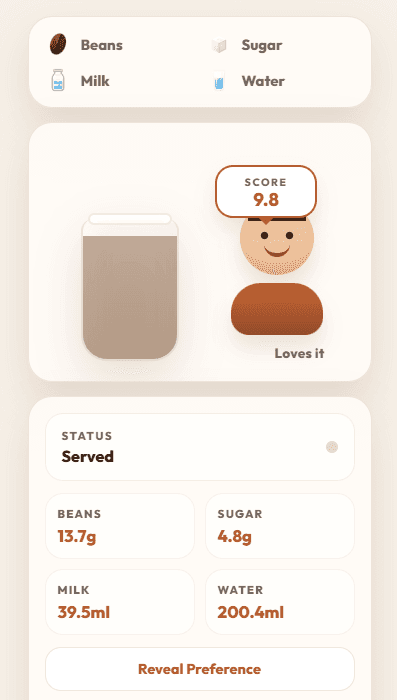
Education Plugin Barista
This visualization is for teaching or demoing self-driving labs to general audience.
Not compatible with your current build
 v2 · Desktop app
Labware (PyLabRobot)
The liquid handler's worktable, drawn live beside every page: what each well holds, which tips are left, and the wells a step is working on. Edit layout to build it: drag labware from PyLabRobot's catalogue onto slots or carrier positions and carriers onto the rails, fill wells with a liquid, switch the robot (or a real robot's model), or import a layout you already have, including PyLabRobot's own deck file. Saved as plr-ivoryos's worktable.json, with a copy PyLabRobot loads directly. For a plr-ivoryos LiquidHandler (0.2 or later), simulated or real.
Install from the IvoryOS desktop app
 v2 · Desktop app
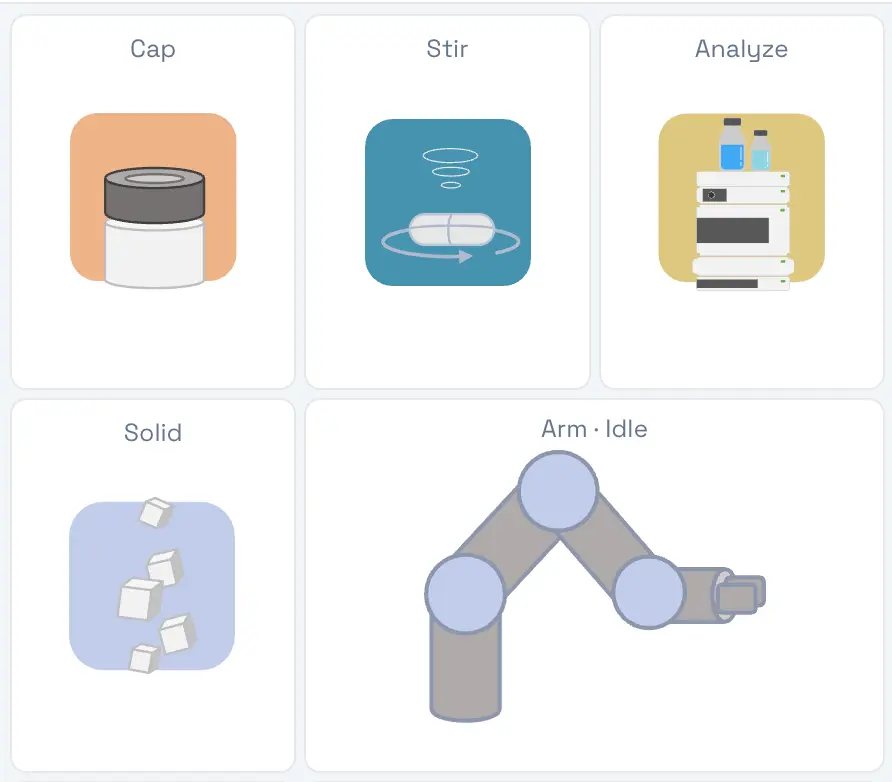
SDL Simulation
This is a side plugin for visualizing the simulation SDL package
Install from the IvoryOS desktop app
SDL Simulation
This is a side plugin for visualizing the simulation SDL package
Not compatible with your current build
SDL Simulation 3D
The simulation SDL deck in 3D. Every simulator call is played as the UR3e's real moves from the deck's location file: home, safe point, approach, grab and back, next to a log that reads like the ArmManager code. A side panel beside the IvoryOS pages. Use it instead of the 2D SDL Simulation plugin, not beside it: both listen to the same simulator.
Install from the IvoryOS desktop app
Don't find the plugin you are looking for?
Create your own using the Template below