Orchestrate an
autonomous lab
in minutes.
IvoryOS is open-source orchestration software. It discovers your instruments and brings workflows and autonomous runs into one interface.
How it works
Instant setup. The interface keeps up.
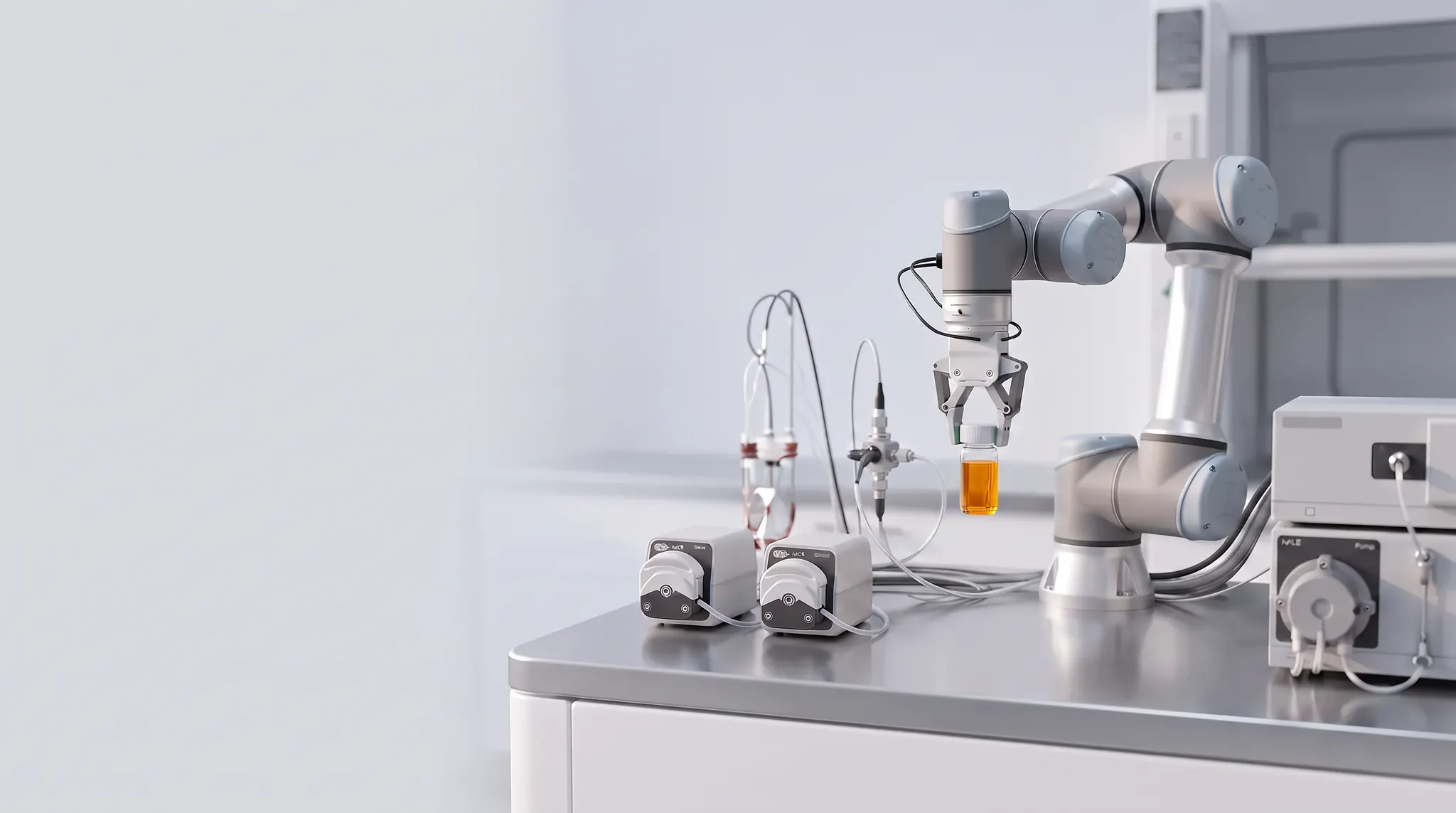
IvoryOS reads the instruments already in your Python. Add one, or swap one for different hardware, and the controls update with it.
Two instruments in the namespace.
Less code to manage
No registry, no decorators, no interface code.
Hand off without retraining
Changes ship without an onboarding session.
One interface, every platform
Learn it once. The next setup is familiar.
From idea to experiment in minutes.
Design a workflow, run it, and trace every result back to the step that produced it. IvoryOS generates all of it automatically, straight from your drivers.
Build protocols visually
Drag and drop instrument actions onto a canvas to construct multi-step workflows. Add logic, loops, and conditions without writing any orchestration code.
Shaped like an experiment
Prep, main, cleanup, with iteration built in.
Optimizers you can watch run
Ax, BayBE, NIMO, or your own.
Custom plugins
Your own visualizations and control panels.
Networked instruments
Coordinate whole labs across the network.
Why IvoryOS?
Set up in minutes. No training session.
I can focus on making the platform more robust, without worrying about breaking the interface.
It took me 20 minutes to build brand new experiment — I have never understood a platform and been able to use it that fast.
Without IvoryOS
A UI of your own to build, and to rebuild every time the hardware changes.
Someone has to sit with them and walk through a one-off interface.
Automation Hub
Your whole setup, before anything is installed.
Select from open source
350+ instruments, read straight out of the open-source packages the community already publishes. Not there yet? Ask for it and we will add the driver.

Design the workflow
Build against real driver signatures. No installation required.
Open the DesignerOne click to local setup
Download the generated setup and run the same workflow on real hardware.
Build with the IvoryOS community
Setup help, shared integrations, and an open-source project you can contribute to.